

Key Takeaways
Why Digital Safety Deserves a Place in Every Travel Plan
Physical theft and personal safety get most of the attention in travel planning — but digital risks are just as real and considerably less visible. A single compromised device or stolen password can expose bank accounts, travel bookings, passport scans, and private communications. Unlike a lost wallet, a data breach may not become apparent for weeks.
The threat landscape for travelers includes several distinct risks: unsecured public Wi-Fi networks where traffic can be intercepted; compromised USB charging ports in public spaces; opportunistic theft of unlocked devices; and, in some destinations, border inspections that may include copying device contents. None of these are hypothetical — they are documented attack vectors that security researchers and government agencies have flagged repeatedly.
The encouraging reality is that most digital travel risks are manageable with preparation done at home, before you ever reach the airport. This guide walks through that preparation in a logical order, from device-level settings to on-the-road habits. For travelers who are also thinking about physical situational awareness, our article on staying safer in unfamiliar cities covers the complementary offline dimension of travel safety.
Border Device Searches Are a Real Risk
Customs and border authorities in some countries — including the United States — have legal authority to search and copy data from your devices without a warrant. This can include photos, emails, and stored passwords. Before crossing international borders, consider what sensitive data is actually on your device and whether it needs to be there.
What You'll Need Before You Start
Running through this checklist requires access to your devices and accounts in a low-pressure environment — not at the departure gate. Set aside 30–45 minutes at home, ideally at least a few days before travel, so you have time to troubleshoot anything unexpected.
What you will need
VPN (Virtual Private Network) App
Encrypts your internet traffic on public or untrusted Wi-Fi networks, masking your data from potential eavesdroppers.
Password Manager
Generates and stores strong, unique passwords so you are not reusing credentials that could be compromised.
USB Data Blocker
Plugs into USB charging ports to allow power flow while blocking any data transfer channel.
Portable Battery Pack
Lets you charge your device from a trusted personal power source instead of public kiosks.
Encrypted Cloud Backup Service
Stores a secure copy of your critical files so data is recoverable if a device is lost or confiscated.
Once you have your tools and access in order, work through the steps below in sequence. Each builds on the last, and skipping steps creates gaps in your overall protection.
Avoid USB Charging Kiosks in Public Spaces
Public USB charging stations in airports, hotels, and transit hubs can be compromised in a technique known as "juice jacking," where malicious hardware or software is used to access your device during charging. Use your own AC wall charger or a portable battery pack instead. If a USB port is your only option, a USB data-blocker adapter — a small, inexpensive pass-through device — prevents data transfer while still allowing charging.
Step-by-Step: Securing Your Devices Before and During Travel
Update and audit your devices before you leave
Install all pending operating system and app updates before departure. Updates frequently patch known security vulnerabilities that attackers actively exploit. Once updated, audit which apps are installed: remove any you will not need on the trip, and revoke location and camera permissions from apps that do not require them. Fewer apps mean a smaller attack surface.
Enable full-device encryption
Most modern iOS and Android devices encrypt storage by default when a PIN or passphrase is set, but confirm this is active in your security settings. On laptops, enable FileVault (macOS) or BitLocker (Windows) if not already on. Encryption makes the data on a lost or seized device unreadable without your credentials.
Back up all critical data
Create a full backup to an encrypted cloud service and, where possible, a local encrypted drive that stays at home. Back up contacts, photos, documents, and any authenticator app recovery codes. If your device is lost, stolen, or held at a border crossing, you will be able to recover what matters. See our guide to emergency documents and digital backups for a full checklist.
Set up and test your VPN
Install a reputable VPN application before you travel — some countries block VPN downloads or even VPN usage, so do this at home. A VPN encrypts data between your device and the internet, preventing eavesdropping on public Wi-Fi. Test that it connects and functions correctly before you rely on it abroad. Note that a VPN does not make you anonymous and does not protect against malware — it specifically addresses interception on untrusted networks.
Harden your account security
Enable two-factor authentication (2FA) on all critical accounts — email, banking, and travel bookings especially. Use an authenticator app rather than SMS codes where possible, since SMS can be intercepted. Ensure your password manager is set up and that you are not reusing passwords across accounts. If one credential is compromised, unique passwords prevent a cascade of account takeovers.
Practice safe connectivity habits on the road
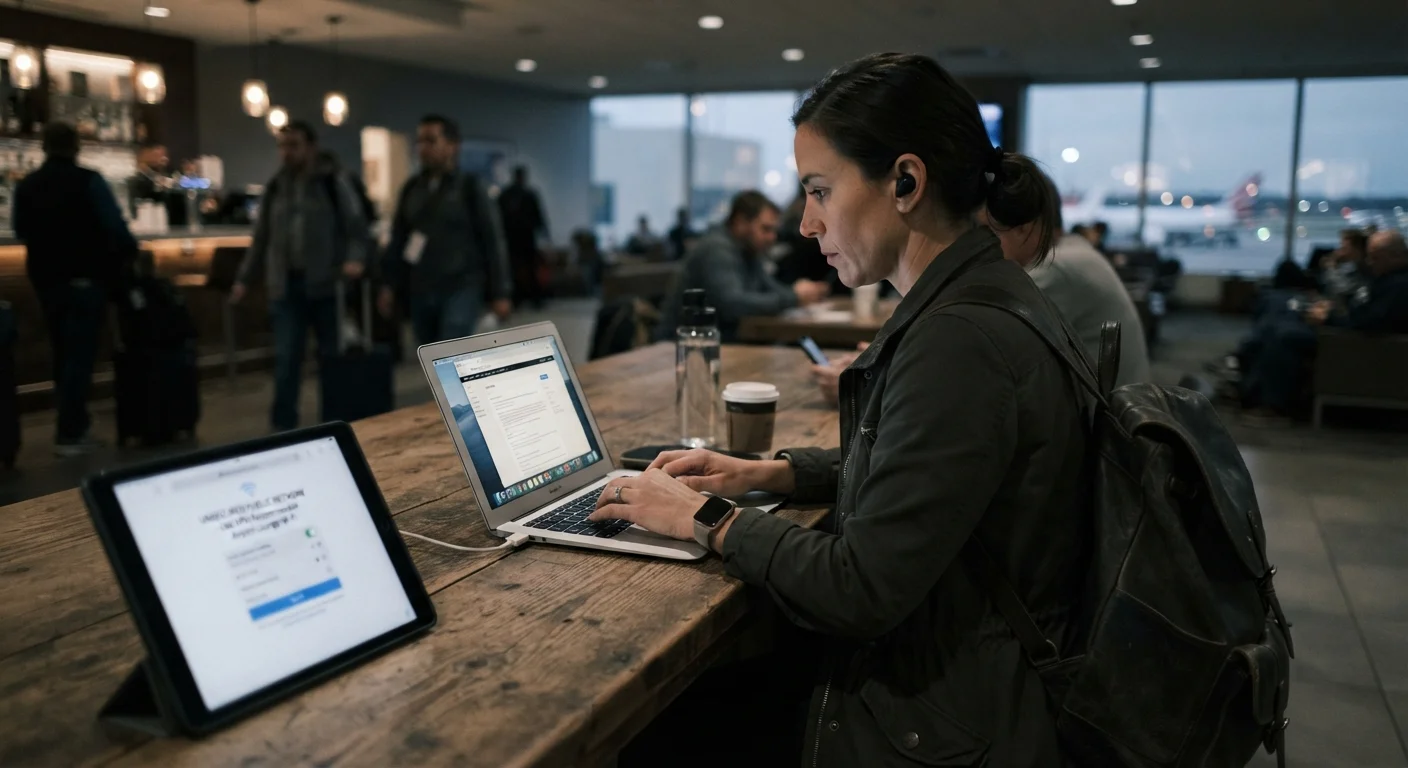
Treat any public Wi-Fi — in hotels, cafes, airports, and transit hubs — as potentially hostile. Always connect through your VPN before doing anything sensitive. Prefer your mobile data connection (with a local SIM or international plan) over unknown Wi-Fi for banking or account access. Avoid public USB charging ports; use your own charger or a portable battery pack instead.
Prepare for border device inspections
Research the device search policies of every country on your itinerary, including your country of return. If traveling to a destination where searches are more common, consider what you can remove or log out of before crossing. Logging out of sensitive apps, temporarily removing social media apps, and ensuring remote-wipe is enabled are reasonable precautions for higher-risk crossings. For broader context on international travel risks, our first-time international travel safety guide covers many of these foundational decisions.
Consider a Dedicated Travel Device
Many frequent international travelers use a separate, stripped-down laptop or phone for trips to high-risk destinations. Load only the apps and accounts you genuinely need, and wipe or restore the device when you return. This significantly limits what could be accessed if the device is lost, stolen, or searched.
After you return home, do a brief security review: change passwords for any accounts you accessed on public networks, check for unfamiliar login activity in your account security dashboards, and restore any apps or accounts you had removed for the trip. It's also worth reading up on common travel safety myths — some widely held beliefs about staying safe abroad can create a false sense of security that leaves real gaps unaddressed.